
AppLock – Privacy Guard & AppLocker2.18.15 - Google Play
You'll be able to see results in few seconds.
Publisher Description
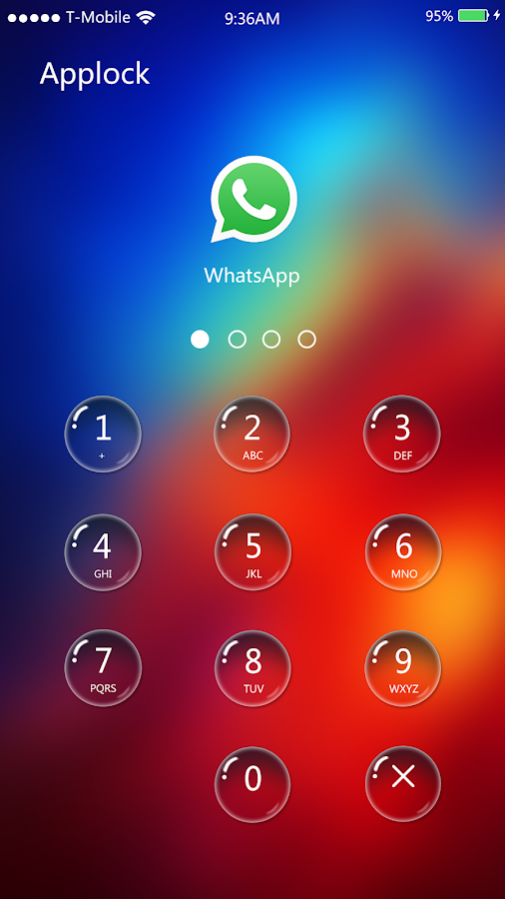
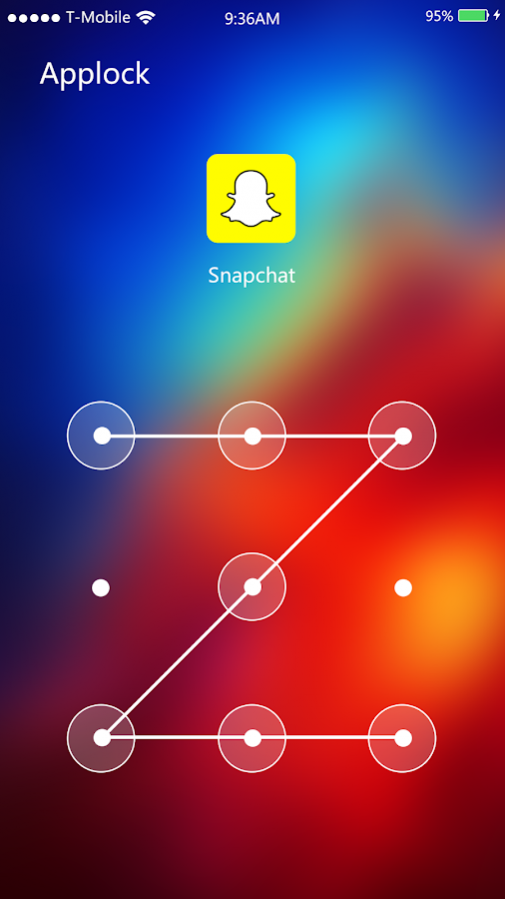
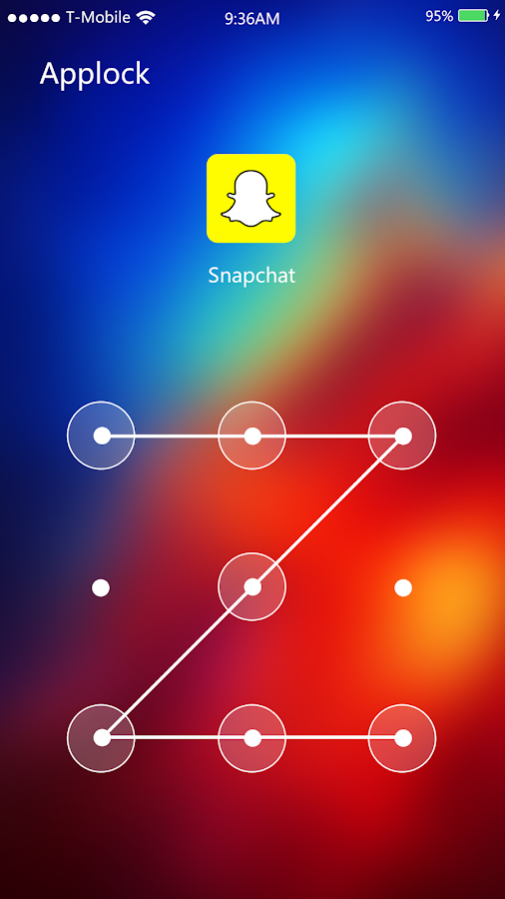
AppLock, best privacy guard, app protector and applocker, is a smart app lock app!
AppLock, powerful, fast and safe lock!
AppLock lock the most private apps, gallery, messages and any apps with PIN lock and pattern lock, giving your phone all-around privacy protection with safest & fastest applock app password lock.
AppLock, your best applock and gallery lock app for android device, lock Facebook, WhatsApp, Gallery, Messenger, Instagram, Snapchat, Contacts, SMS, Gmail, Settings, and any apps you want to lock, hide and encrypt private & sensitive photos and videos with password lock and pattern lock with free app lock for apps. With applock privacy protection, your phone privacy is well-protected, no one can snoop around your private apps, gallery, and messages, mess up your phone settings. AppLock, a must-have privacy guard & applocker!
AppLock-Privacy Guard & AppLocker Highlights:
►AppLock:
-Lock social apps: AppLock can lock WhatsApp, Facebook, Twitter, Instagram, Snapchat, Line, Wechat and Messenger. No one can peep at your private chat anymore!
-Lock shopping apps: AppLock can lock Amazon, eBay, Farfetch, Net-A-Porter, and games. Prevent kids from buying unnecessary items!
-Lock work related apps: Protect your important files and information safe!
-Lock Android pay apps: AppLock can Google Wallets, PayPal, Amazon Payments, and Android Pay. No one can buy anything without your permission!
-Lock phone settings: AppLock can lock system settings like Wi-Fi, Bluetooth, and Data. No more worry about phone settings got messed up by children!
-Lock Play Store: AppLock can lock Google Play Store. Prevent children from buying unnecessary apps and games!
►Gallery Lock: Lock gallery. Hide and encrypt private photos and sensitive videos behind PIN & pattern lock. No more worry about privacy got peeped by intruders!
►Password & Pattern Lock: AppLock lock most private apps, hide sensitive photos & videos via PIN lock and pattern lock. Choose your favorite way to protect privacy security. Password lock has random keyboard. Much safer to keep privacy security safe. No more worry about people peep your passcode. Pattern lock is much easier and faster to unlock apps. Hide draw pattern and make draw path invisible. Ensure security!
AppLock-Privacy Guard & AppLocker Main Features:
-Lock apps with password, pattern
-Lock private social apps
-Lock system settings to prevent a mess by kids
-Hide and lock private photos & videos
-Lock Play Store to prevent children buying apps & games
-Lock game apps to keep kids from addicted to games
AppLock use Accessibility Services to save more battery power! Please enable it!
Feel free to contact us via: kaiqiangcheng901@gmail.com
About AppLock – Privacy Guard & AppLocker
The company that develops AppLock – Privacy Guard & AppLocker is NousSecurity. The latest version released by its developer is 2.18.15.
To install AppLock – Privacy Guard & AppLocker on your Android device, just click the green Continue To App button above to start the installation process. The app is listed on our website since 2018-03-12 and was downloaded 0 times. We have already checked if the download link is safe, however for your own protection we recommend that you scan the downloaded app with your antivirus. Your antivirus may detect the AppLock – Privacy Guard & AppLocker as malware as malware if the download link to com.noussecurity.applock is broken.
How to install AppLock – Privacy Guard & AppLocker on your Android device:
- Click on the Continue To App button on our website. This will redirect you to Google Play.
- Once the AppLock – Privacy Guard & AppLocker is shown in the Google Play listing of your Android device, you can start its download and installation. Tap on the Install button located below the search bar and to the right of the app icon.
- A pop-up window with the permissions required by AppLock – Privacy Guard & AppLocker will be shown. Click on Accept to continue the process.
- AppLock – Privacy Guard & AppLocker will be downloaded onto your device, displaying a progress. Once the download completes, the installation will start and you'll get a notification after the installation is finished.
Program Details
System requirements
Download information
Pricing
Version History
version 2.18.15
posted on 2018-03-12
**6-digit Password Lock supported
**Optimized user interface
**Changed unlock background
**Improve AppLock performance
**Fixed bugs
Disclaimer
Official Google Play Link
We do not host AppLock – Privacy Guard & AppLocker on our servers. We did not scan it for viruses, adware, spyware or other type of malware. This app is hosted by Google and passed their terms and conditions to be listed there. We recommend caution when installing it.
The Google Play link for AppLock – Privacy Guard & AppLocker is provided to you by apps112.com without any warranties, representations or guarantees of any kind, so access it at your own risk.
If you have questions regarding this particular app contact the publisher directly. For questions about the functionalities of apps112.com contact us.
